Ask questions.
Get answers.
From your battery data.
MOOSE is a built-in analysis assistant in the Micantis WorkBook platform. It understands your battery test data, specifications, and workflows. Type a question, get a structured answer with charts, key findings, and specific data points.
What MOOSE Does
Practical tools that reduce the time between question and answer.
Ask Questions About Your Data
Type a question about your battery test data and get a structured answer with charts, key findings, and specific data points. Follow-up questions maintain full context. MOOSE recognizes formation, cycling, and storage data automatically.
Scheduled Analysis Reports
Define a recurring query and receive formatted results by email on whatever schedule you choose. Each email includes written summaries, charts, and data tables. No one has to remember to log in and run the query.
Build Custom Analyses by Describing Them
Describe what you need and MOOSE builds a complete specification, custom graph, or report configuration. Supports parameterized thresholds, multi-protocol data sources, and cross-column equations — without learning the underlying configuration language.
Clean Data in Domain Terms
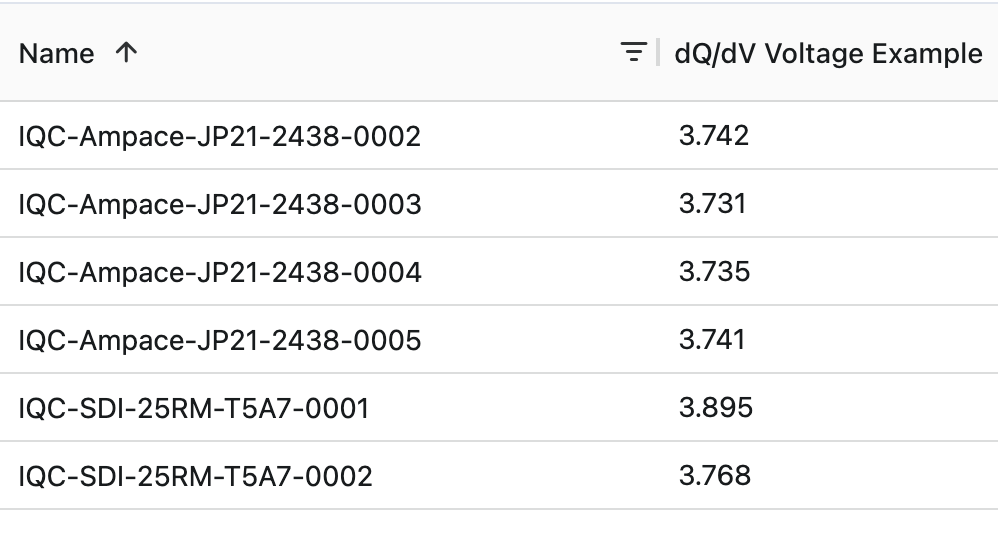
Select a dataset and describe what you want cleaned. MOOSE analyzes the raw data, identifies the target timesteps or cycles, and creates a cleaned dataset. Your original data is never modified — cleaning is always a non-destructive view.
Pin and Share Analysis Results
Pin any MOOSE response to your insight library. Share findings with colleagues via a link — recipients don't need a WorkBook login. Continue a conversation from any pinned insight to pick up where you left off.
Search Your Reference Documents
Upload testing standards, technical papers, and internal guides. MOOSE searches these documents by meaning — not just keywords — and cites specific passages when answering questions. Supports PDFs, scanned documents with OCR, and engineering drawings.
Cloud Python Environment
Write, run, and schedule Python scripts directly in WorkBook. Scripts execute in secure cloud containers with full access to your data. MOOSE is built into the editor to help write and debug code.
Workbench
Code editor with syntax highlighting. Run scripts in secure cloud containers with real-time output. No local Python installation needed.
Script Library
Save scripts as reusable templates. Share with colleagues. Full execution history with output logs per script.
Scheduled Execution
Run scripts on a recurring schedule. Email notifications on failure. Automate recurring analyses and reports.
MOOSE in the Editor
Describe what you want to analyze and MOOSE writes the code. If your script has an error, ask MOOSE to diagnose it.
Built-in Analysis Workflows
Pre-built workflows for common battery testing scenarios. Consistent methodology across your organization.
Grouped Cycle Life
Compare distributions across cell groups with statistical outlier detection
Formation Analysis
Track capacity formation, detect completion, flag anomalies
HPPC
Pulse power capability, pulse resistance, discharge at different rates
DCIR
Impedance evolution, temperature effects, degradation detection
DRT
Distribution of relaxation times from EIS data. One-click, automated
Calendar Aging
Capacity loss at rest, impedance growth, activation energy estimation
Cell Qualification
Pass/fail against specification requirements with override capability
Application Matching
Find cells for specific applications based on performance requirements
SPC & Process Capability
Statistical process control charts, Ppk/Cpk metrics for quality monitoring
Charts Generated as Part of the Answer
MOOSE generates visualizations inline with its written responses. No separate charting step — ask a question and the right chart appears alongside the analysis.
- Voltage, current, and temperature profiles
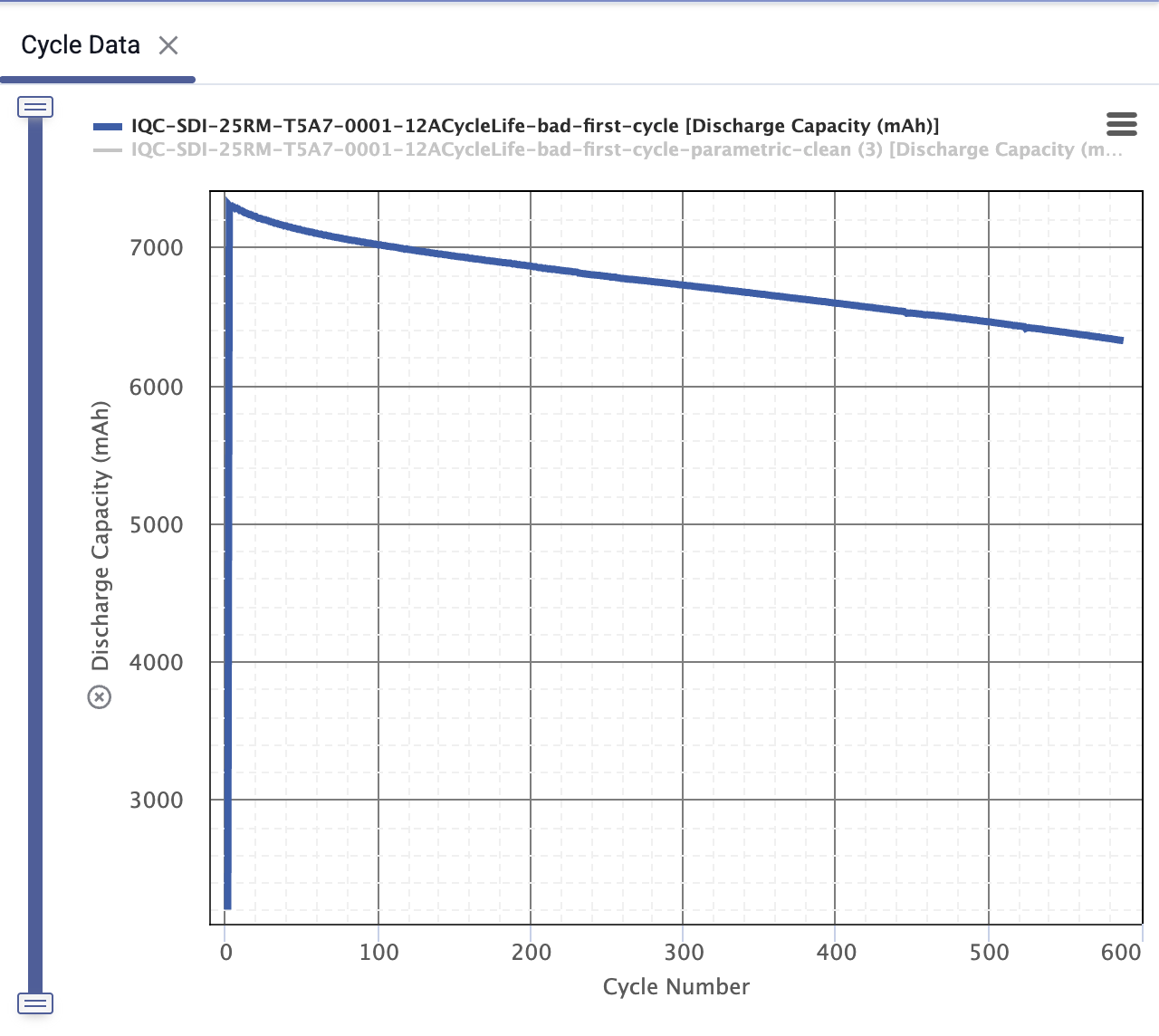
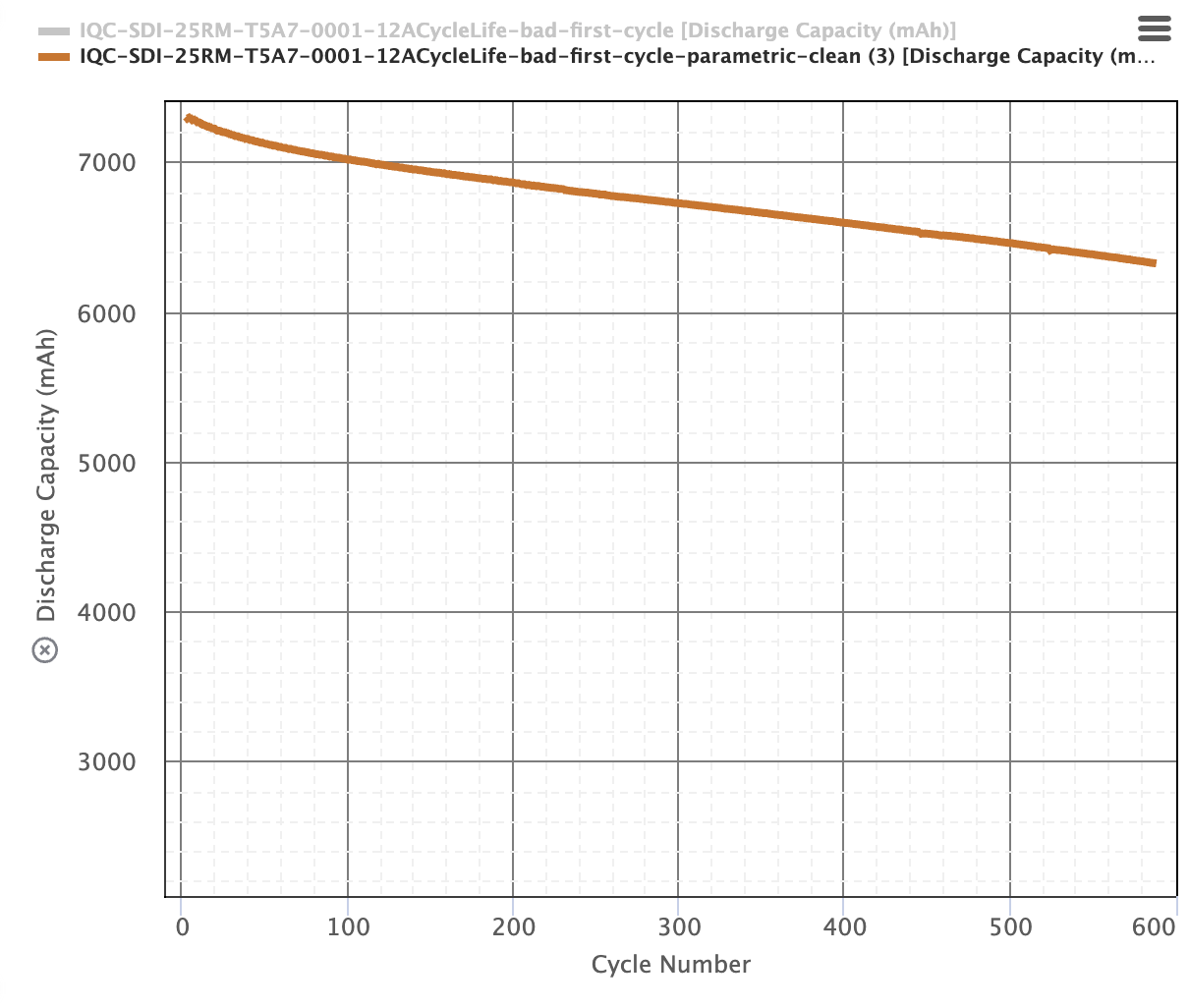
- Cycle life curves with trend lines
- Box-and-whisker, scatter, bar, histogram
- SPC and process capability charts
- Custom multi-series with configurable axes
- Trend detection and anomaly flagging
- Written summary with statistical comparison
- Box-and-whisker chart comparing the two groups
- Key findings: median, IQR, outlier identification
- Follow-up suggestion: "Want to see the outlier cells?"
Enterprise Security Built In
Conversation Isolation
Each organization's conversations and insights are fully isolated with role-based access controls.
Ephemeral Containers
Python scripts run in fresh, network-isolated containers deleted immediately after execution.
Knowledge Base Isolation
Uploaded documents are indexed per-instance. Your reference materials are not shared with other organizations.
Full Audit Trail
Complete history of interactions for compliance. Role-based access determines who can see what.
See MOOSE working with your data.
30-minute walkthrough. Ask any question about your battery test data.